
Financial Analysis & Modelling
Financial models that used to take days now take minutes. Build DCF valuations, scenario analysis, and variance reports from your actual data.
Scenario — Create a 12-month sales revenue forecast based on current Stripe payment trends and subscription MRR.
What you get
Everything built in, nothing left to figure out
Days
of manual work
60 seconds
with SuperCFO
The problem
Challenges SuperCFO solves for Financial Analysts
Models take days
Consistency issues
Ad-hoc bottlenecks
How SuperCFO Works
From messy data to confident decisions
Handle every financial task, from simple reports to complex financial models. Connect your data, select a tool, and get results ready to share.
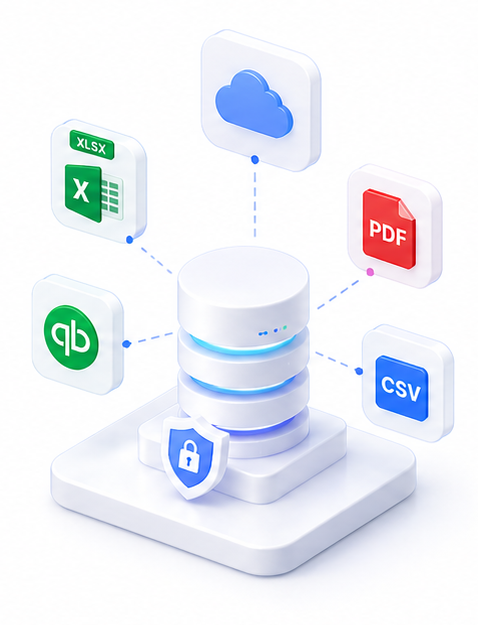
Connect your data
Link your accounting software, bring in your financial files, or set a schedule to run automatically. SuperCFO reads and structures the numbers — no manual data entry.
- Sync Xero, QuickBooks, or your ERP
- Import spreadsheets, PDFs, and bank statements
- Live, secure, and always current
Run via

Select a ready-made financial tool
Choose from 8 built-in tools: dashboards, reports, data transforms, casting checks, and more. Every output is structured and ready to use — no prompting or technical setup required.
- Dashboards, board packs, and financial reports
- DCF, variance, and scenario models
- No prompting expertise required
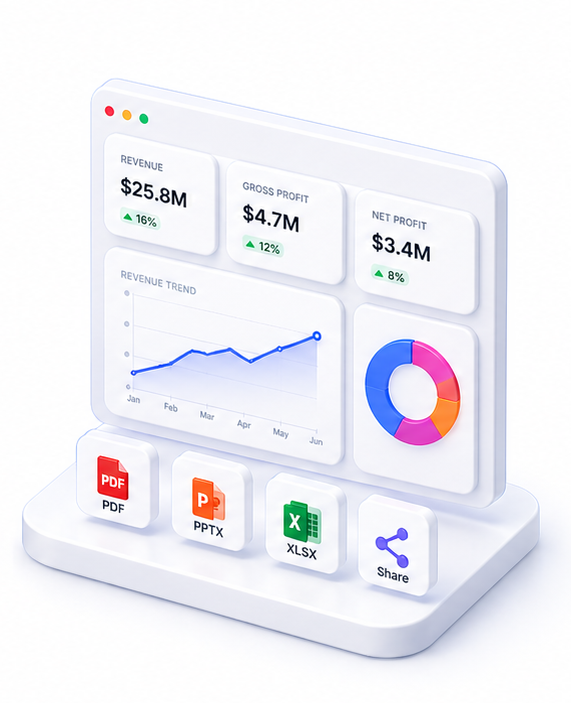
Get outputs ready to share
Review your complete financial output and get it to the people who need it. Refine anything with a follow-up question, then export or share.
- Board-ready outputs in under 60 seconds
- Export as PDF, Excel, PPTX, or HTML
- Share with your team instantly
Tools
SuperCFO tools for this use case
Everything you need, in one platform.
Why SuperCFO
Built for how finance teams actually work
Building a financial model from scratch is slow, error-prone, and usually means starting from a template that doesn't quite fit your data.
Describe what you need: DCF with your WACC assumptions, a 3-scenario budget variance, a P&L trend against prior year. Upload your data. SuperCFO builds a complete, structured Excel workbook with working formulas, sensitivity tables, and charts.
No template hunting. No formula debugging. Review the output and refine in plain language.
Frequently asked questions

One platform. Every finance use case.
Automate. Analyze. Act. All in one intelligent platform.