
Ask SuperCFO
Not every finance task fits a template. Ask any finance question, attach your files, and get a structured answer or a ready-to-use output file: Excel, PDF, or Word: in minutes.
Q1_2026_Financials.xlsx
Excel · 284 KB · attached
3 key risks identified:
Revenue concentration
Margin compression
OPEX growth
What you get
Everything built in, nothing left to figure out
How it works
From messy data to confident decisions
No prompting expertise required. Connect your data, select a ready-made tool, and get a complete financial output in under 60 seconds.

Describe what you need
Type your finance question or task in plain language. Attach any relevant files: financial statements, contracts, spreadsheets, or images.
Run via

SuperCFO analyses and plans
AI reviews your request and files, identifies the best approach, and presents a plan before executing: so you know what to expect.
Receive your output
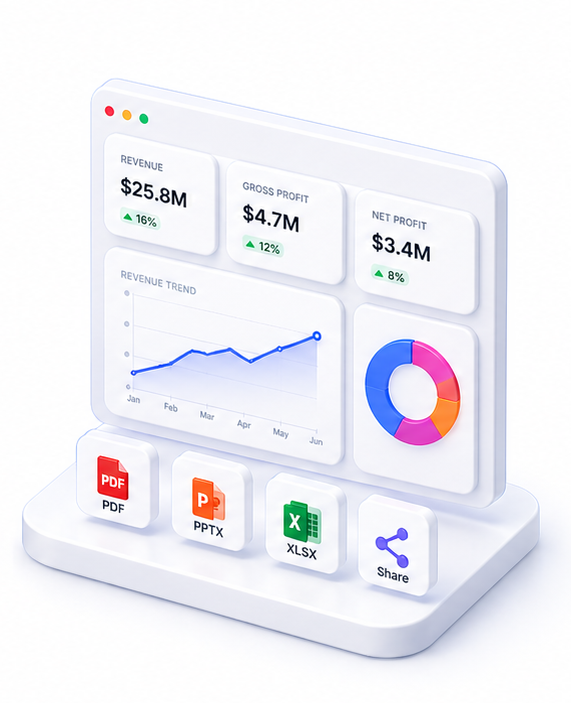
Get a structured text answer, or a generated file (Excel, PowerPoint, Word) depending on what you asked for. Download immediately.
Live preview
Q1_2026_Financials.xlsx
Excel · 284 KB · attached
3 key risks identified:
Revenue concentration
Margin compression
OPEX growth
About Ask SuperCFO
Ask SuperCFO is a general-purpose AI finance assistant. Ask any finance question, attach supporting documents, and receive either a detailed structured answer or a generated output file: Excel, PowerPoint, Word, or text.
Examples: 'Review this contract and identify key financial risks.' 'Build a working capital model from this balance sheet.' 'Write the finance section of this board report.' 'Analyse these three financial statements and summarise key trends.'
Ask SuperCFO runs a two-phase pipeline: first it analyses your request and attached files to create a plan; then it executes the plan and delivers the output. No template constraints: it handles any finance-related task.
FAQ

One platform. Every finance use case.
Automate. Analyze. Act. All in one intelligent platform.