
Slide Maker
Turn financial data into board-ready PowerPoint presentations with charts, tables, and commentary: ready to present.
Q1 2026 Board Pack
12 slidesBoard of Directors
Q1 2026
Financial Review
Key Metrics
Fully editable .pptx
What you get
Everything built in, nothing left to figure out
How it works
From messy data to confident decisions
No prompting expertise required. Connect your data, select a ready-made tool, and get a complete financial output in under 60 seconds.

Upload your financial data
Upload your P&L, management accounts, cash flow, or any financial file. SuperCFO extracts the key figures and metrics.
Run via

Describe the slide deck
Tell SuperCFO what kind of presentation you need: monthly board pack, investor update, management review. Specify slide count, focus areas, or tone.
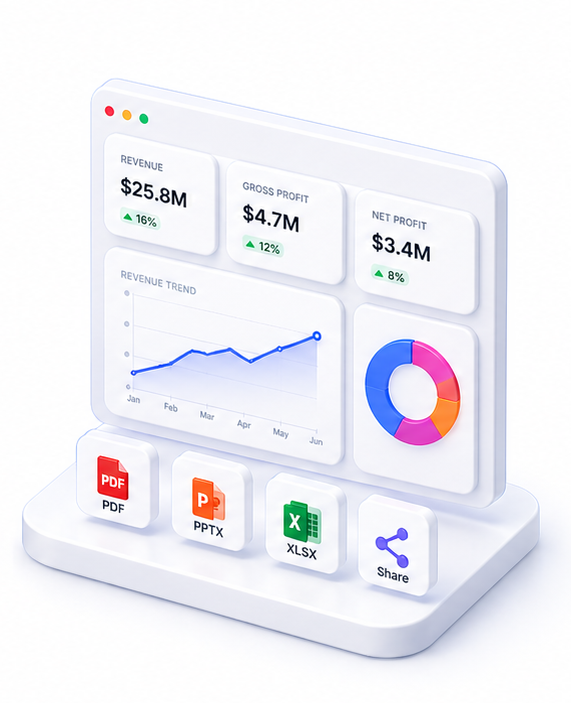
Download your PPTX
Receive a polished, board-ready PowerPoint file with your actual data in charts, tables, and commentary. Open and present immediately.
Live preview
Q1 2026 Board Pack
12 slidesBoard of Directors
Q1 2026
Financial Review
Key Metrics
Fully editable .pptx
About Slide Maker
Slide Maker converts your financial data into polished, board-ready PowerPoint presentations. Upload your numbers: a P&L, cash flow statement, management accounts, or any financial data: and describe the slide deck you need.
SuperCFO structures the narrative, designs the layout, and populates charts, tables, and commentary automatically. The output is a real .pptx file: fully editable in PowerPoint, Google Slides, or Keynote.
Typical outputs include monthly board packs, investor update decks, management presentations, and financial review slides. Each deck includes a cover slide, executive summary, key metrics pages, and detailed analysis slides. Charts and figures are drawn from your actual data.
FAQ

One platform. Every finance use case.
Automate. Analyze. Act. All in one intelligent platform.