
Quotation Comparison
Evaluating vendor quotes manually is slow and often inconsistent. Upload any number of quotations and get a scored, side-by-side Excel analysis with a clear recommendation: in minutes.
Vendor Analysis
3 quotesVendor C recommended
What you get
Everything built in, nothing left to figure out
How it works
From messy data to confident decisions
No prompting expertise required. Connect your data, select a ready-made tool, and get a complete financial output in under 60 seconds.
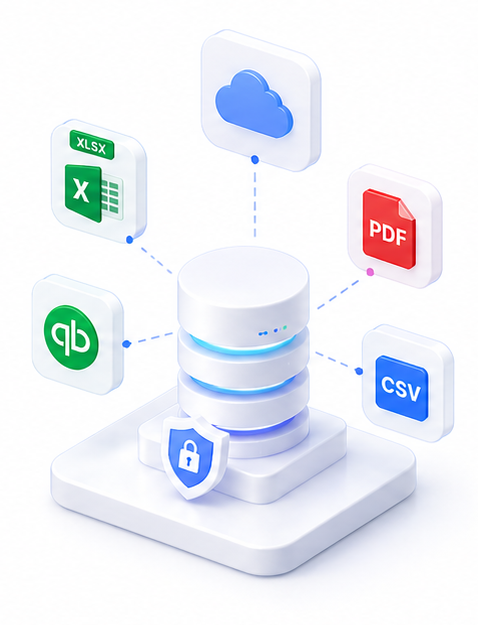
Upload vendor quotations
Upload 2 or more vendor quotes in any format: PDF, Excel, images, or even email attachments converted to PDF.
Run via

SuperCFO extracts and compares
AI reads each quote, extracts line items, prices, and terms. A comparison matrix is built automatically.
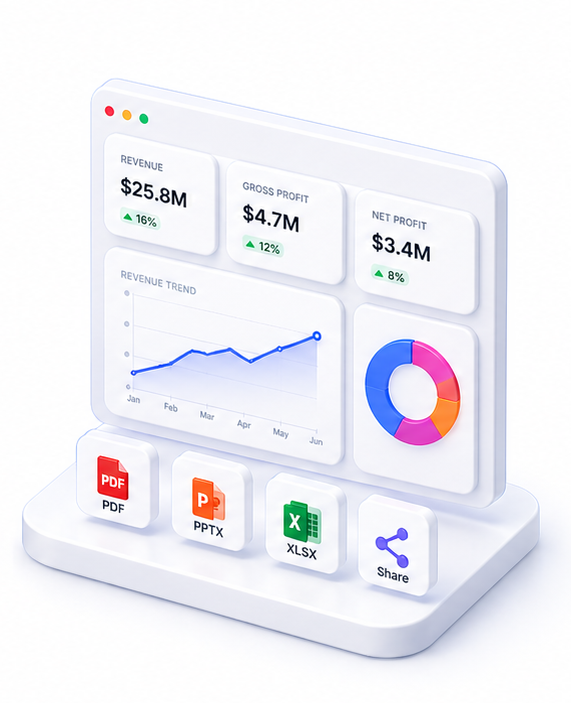
Download the Excel analysis
Receive a formatted Excel workbook with side-by-side comparison, scoring, total costs, and a recommendation. Ready to share with stakeholders.
Live preview
Vendor Analysis
3 quotesVendor C recommended
About Quotation Comparison
Quotation Comparison eliminates the manual work of comparing vendor proposals. Upload two or more vendor quotations: in PDF, Excel, or image format: and SuperCFO extracts line items, compares pricing, and generates a comprehensive Excel analysis.
The output includes a side-by-side comparison matrix, per-line cost breakdown, total cost analysis, scoring across price and value criteria, and a plain-language recommendation. All formatted in a clean, shareable Excel workbook.
Ideal for procurement teams, finance managers, and operations teams who regularly evaluate supplier bids, service contracts, or equipment purchases.
FAQ

One platform. Every finance use case.
Automate. Analyze. Act. All in one intelligent platform.