
Expense Claims
Receipt management shouldn't take days. Bulk-upload photos, PDFs, or scans: get a complete Excel claim report with every receipt auto-categorised, renamed, and ready to submit.
April 2026
4 receipts$18.50
DONE$65.00
DONE$280.00
DONE$42.00
READING…3 of 4 receipts processed
$405.50
What you get
Everything built in, nothing left to figure out
How it works
From messy data to confident decisions
No prompting expertise required. Connect your data, select a ready-made tool, and get a complete financial output in under 60 seconds.
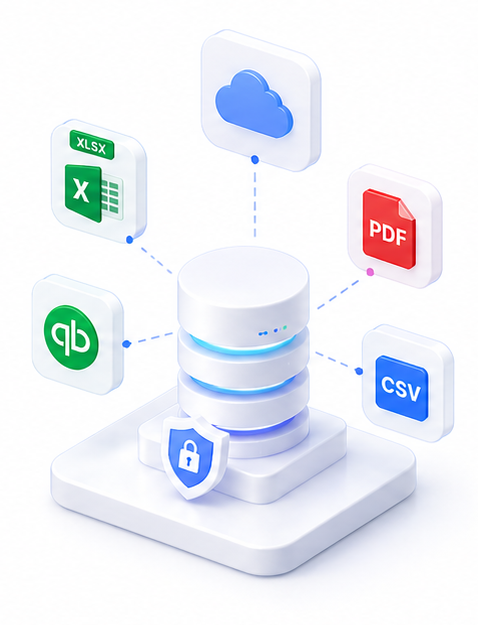
Upload your receipts
Drag and drop receipt photos, PDFs, or scans. Upload a full month's worth in one batch: SuperCFO processes them all at once.
Run via

SuperCFO reads and categorises
AI extracts date, merchant, category, amount, and currency from each receipt. Blurry photos and handwritten receipts are handled automatically.
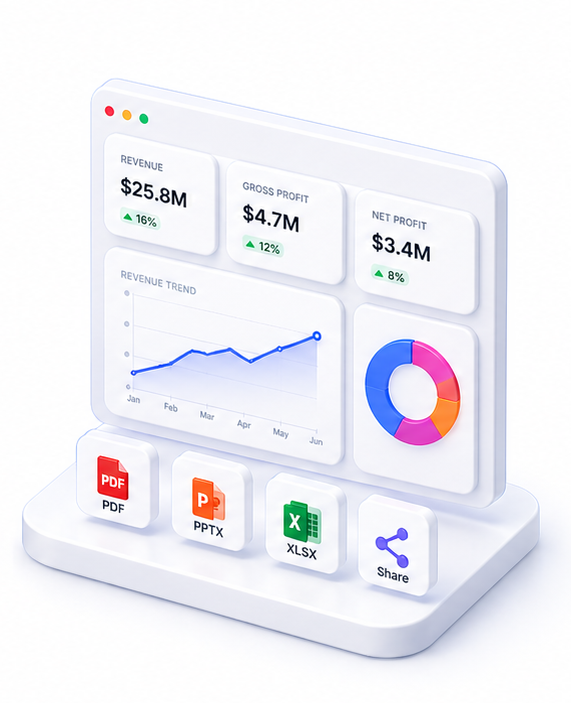
Download your ZIP
Get a ZIP with the Excel expense report and all receipts renamed to match each row. Ready to submit to finance or attach to your expense system.
Live preview
April 2026
4 receipts$18.50
DONE$65.00
DONE$280.00
DONE$42.00
READING…3 of 4 receipts processed
$405.50
About Expense Claims
Expense Claims automates the entire receipt processing workflow. Upload photos or PDFs of your receipts: taken on a phone, scanned, or exported from email: and SuperCFO extracts the details, categorises each expense, and produces a submission-ready report.
The output is a ZIP archive containing two things: a formatted Excel expense report with date, merchant, category, currency, and amount for each receipt; and all the original receipt files renamed to match their expense line (e.g. 01_Grab_Transport_45.00.jpg).
Handles blurry photos, handwritten receipts, multi-currency, and mixed receipt formats. Each batch supports multiple receipts. The Excel summary is ready to attach to your finance system or email directly to accounts.
FAQ

One platform. Every finance use case.
Automate. Analyze. Act. All in one intelligent platform.